Match every channel
The oscilloscope compares the circuit you build with the target waveform. A probe draws no current. Ground symbols share one reference.
Electronics practice
101 Circuits is a desktop practice environment for electronics. Connect the supplied parts, watch the oscilloscope, and finish an exercise when every channel matches its target. Another wiring is accepted when it produces the same signals.
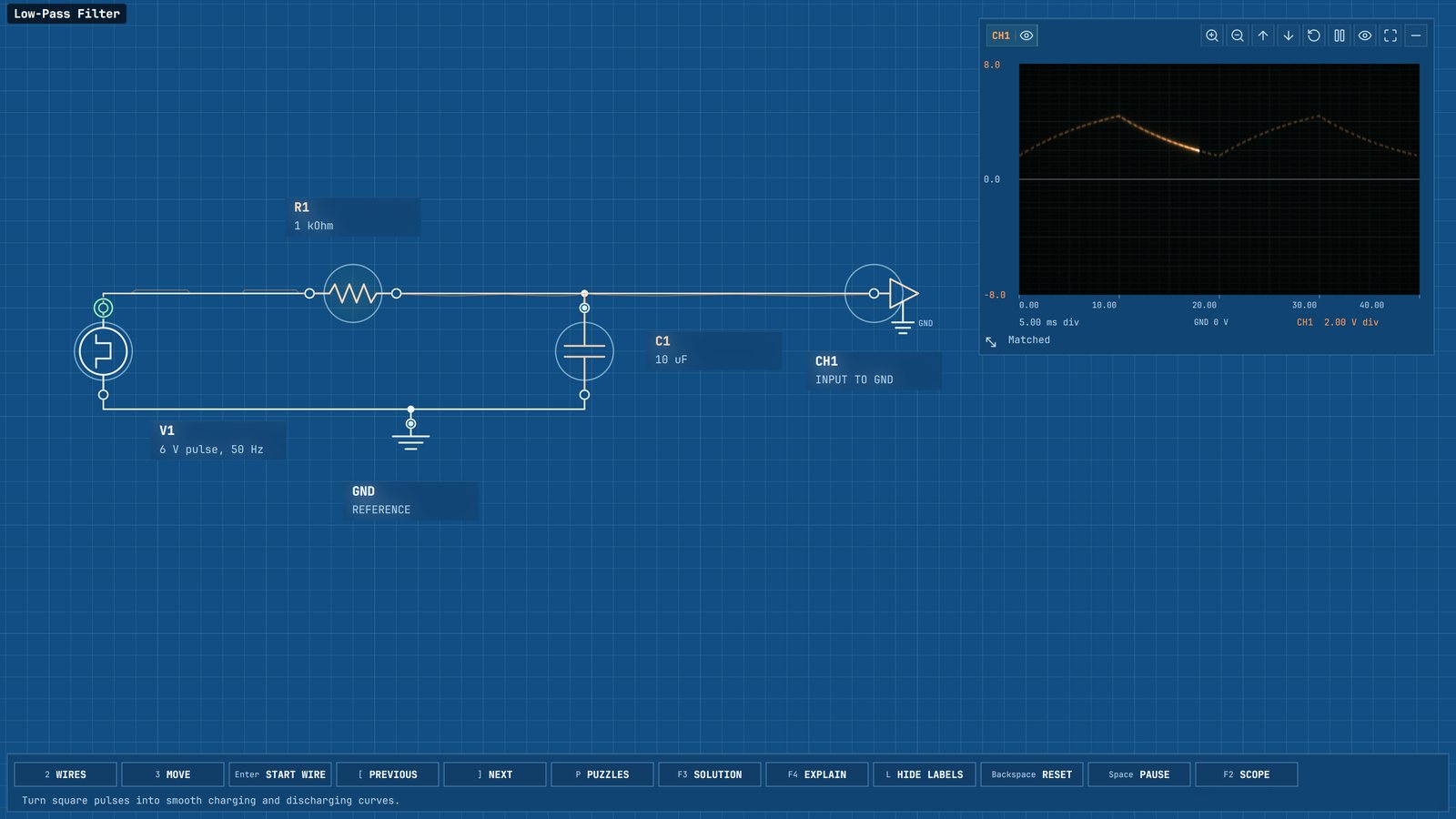
The oscilloscope compares the circuit you build with the target waveform. A probe draws no current. Ground symbols share one reference.
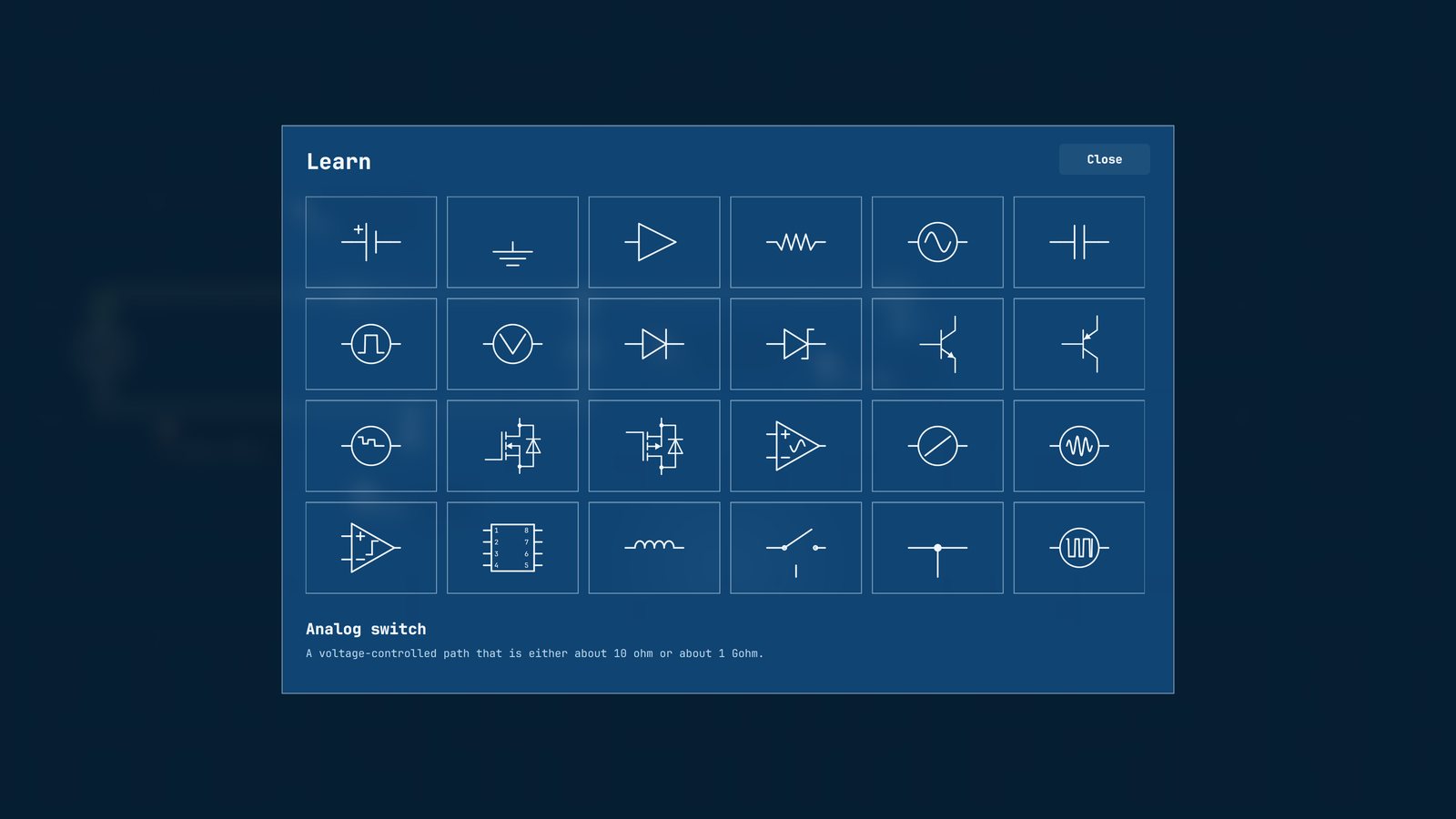
Each exercise has a guide, and each part has an article with its terminals, behavior, and limits. The writing stays inside the application.
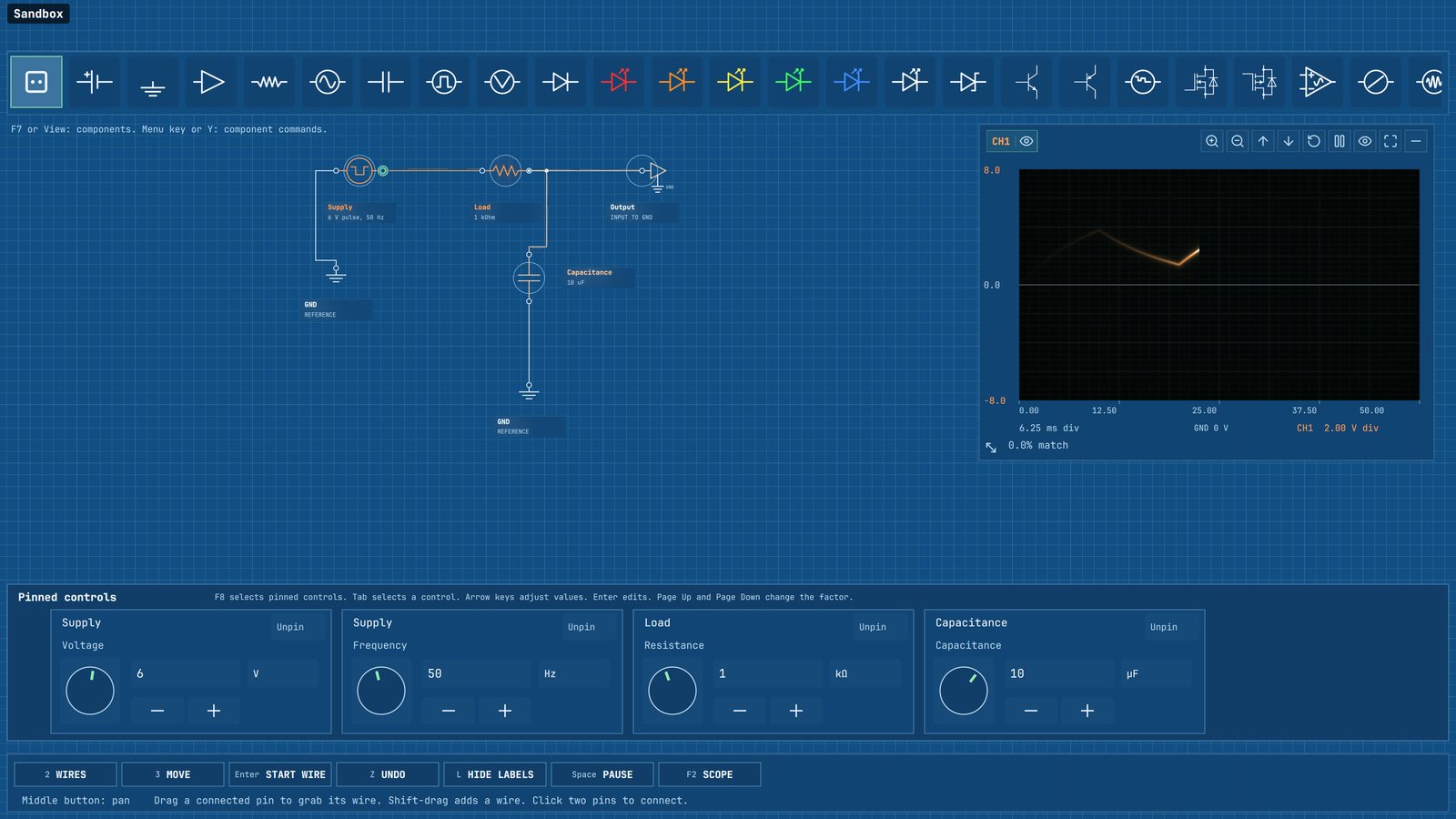
Sandbox keeps the parts you have met. Change a value, save the diagram, and come back to it later.
101 exercises
The campaign starts with a battery, a resistor, and a complete return path. Later lessons move through filters, diodes, transistors, amplifiers, logic, timers, and oscillators.
Sandbox
A part becomes available in Sandbox when an exercise introduces it. You can place it, wire it, and save the result beside your lesson progress.
Colored LEDs show when current is flowing. Values can be pinned and changed with a knob or by typing the number.